Fiona購入済み
Works with the iPad too
Paired it to my iPad for note taking on the train and it behaves the same as on the laptop. Cursor control is smooth and the scroll works in every app I tried.
¥4,800
プロモーションコードで5%おトクに。
詳細
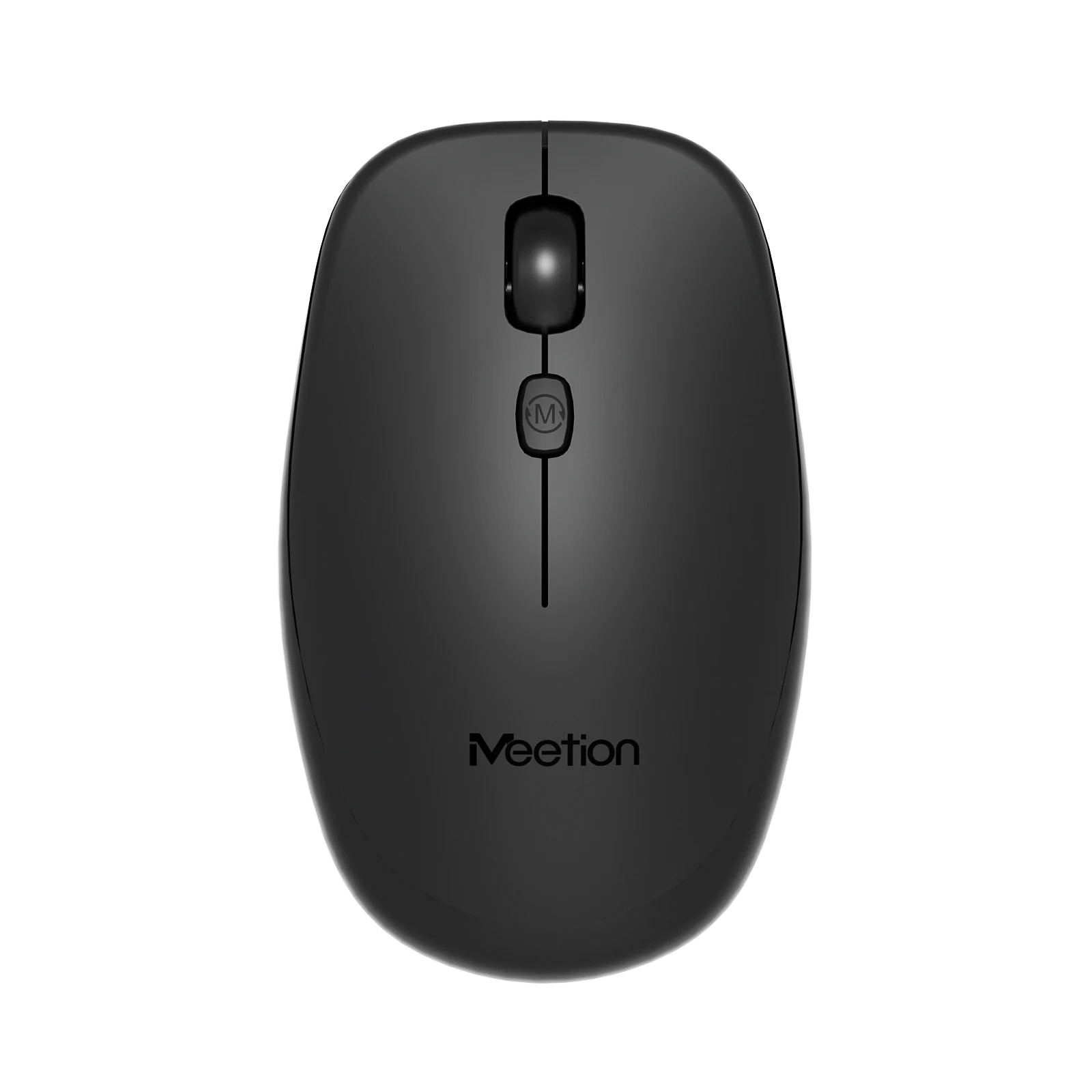
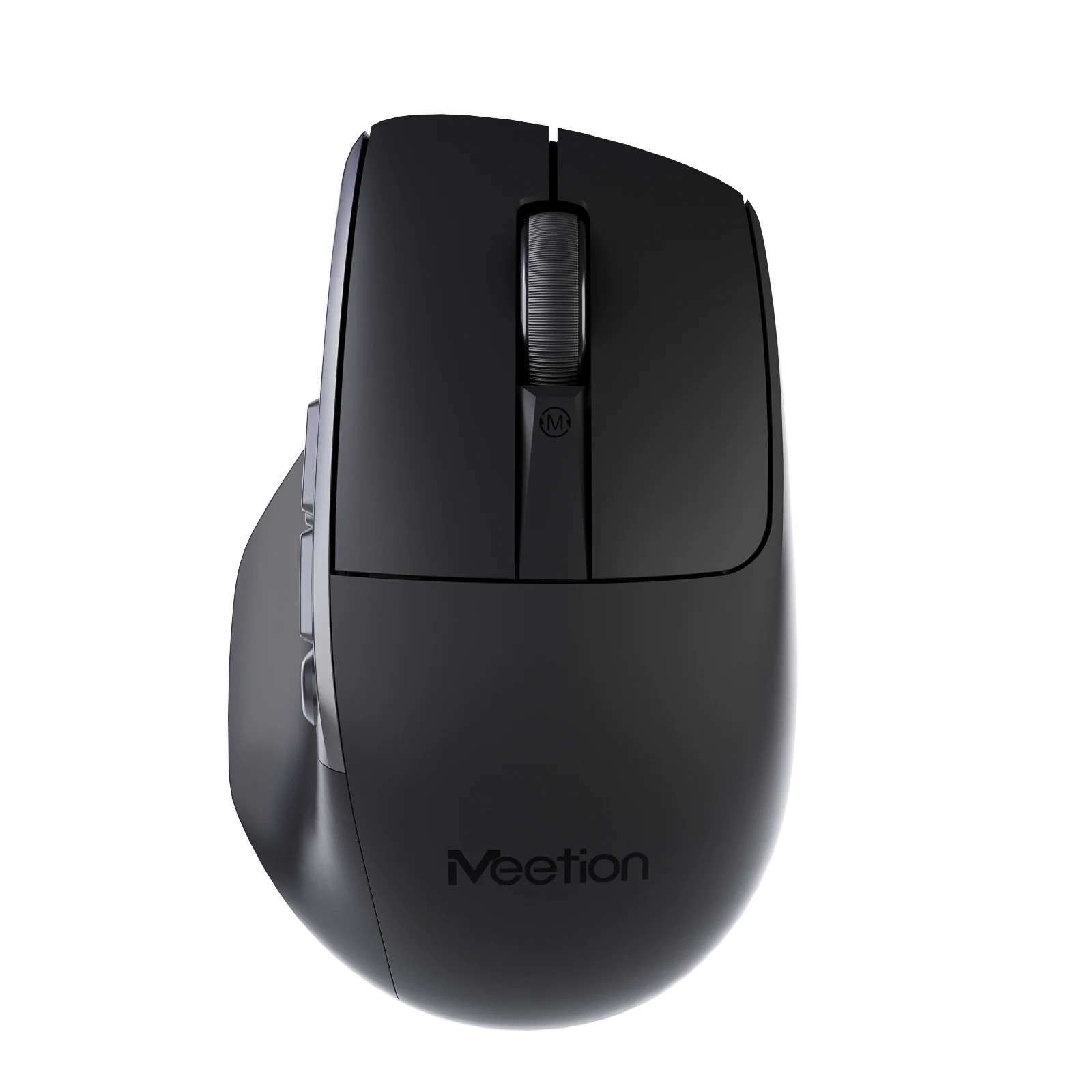
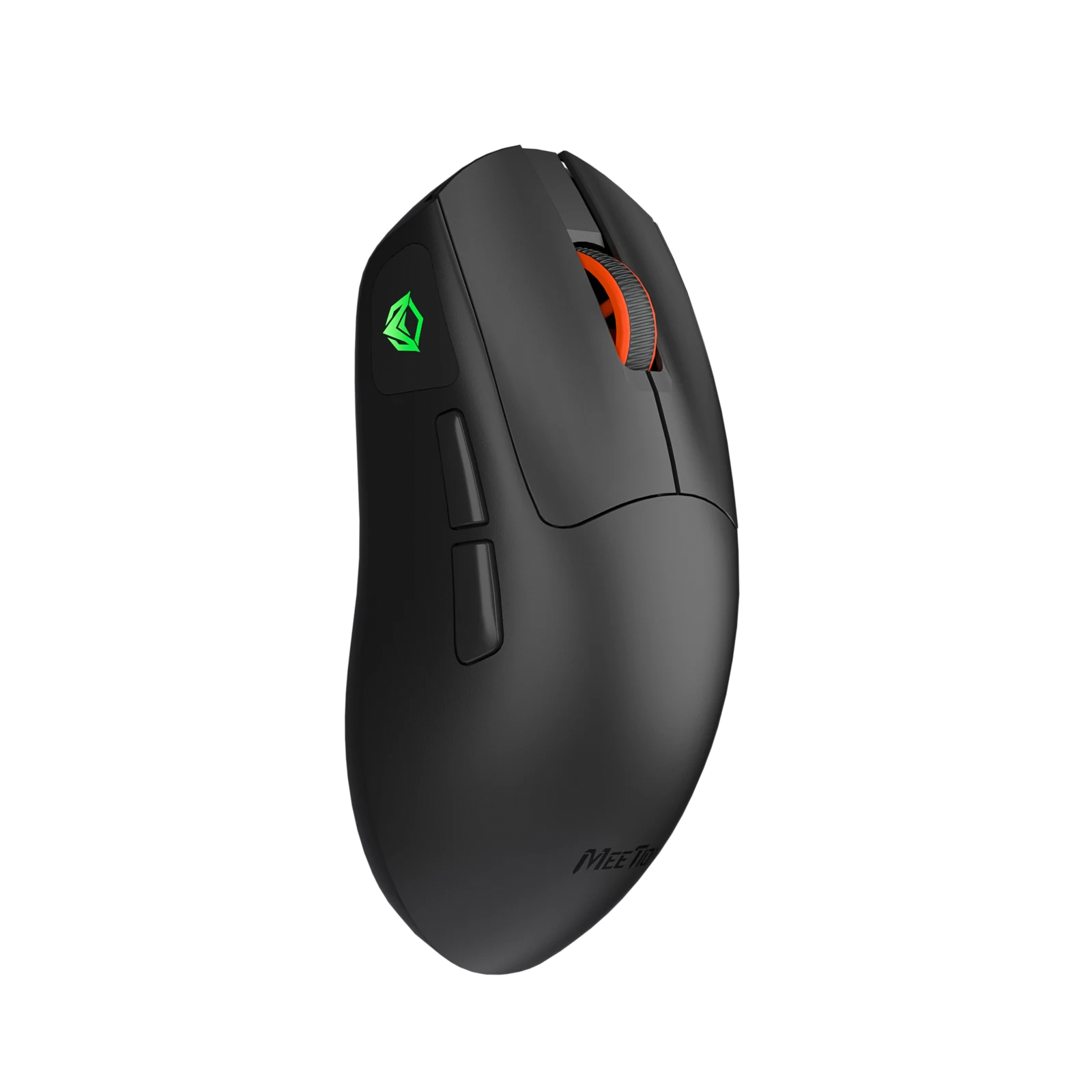
ガラス面対応、マウスパッド不要です 2. ABS素材 3. 500mAhバッテリー、1.6hの充電で100h使用できます 4. Windows/macOS対応 5. 10M回のHuano長寿命サイレントスイッチ 6. 800-6000 DPI 7. 100*62*32mm / 57g
カラー:White
在庫あり
6件のレビューに基づく
6件中 1–6件を表示
Paired it to my iPad for note taking on the train and it behaves the same as on the laptop. Cursor control is smooth and the scroll works in every app I tried.
Three people use the same workstation on rotation. Everyone finds it comfortable and nobody has to re-pair anything because it stays connected to the dock.
Plugged the receiver in, moved it, done. I have had enough of driver installs that want an account and a background service. This one just behaves like a mouse should.
Shape, battery, and connection are all solid. The wheel has almost no tactile step, which I still miss after a month. If you like a clicky wheel, try it before committing.
No complaints about tracking or comfort. The USB receiver is about the size of a fingernail, so it lives in the battery compartment whenever the mouse is in my bag. Nearly lost it in a hotel room once.
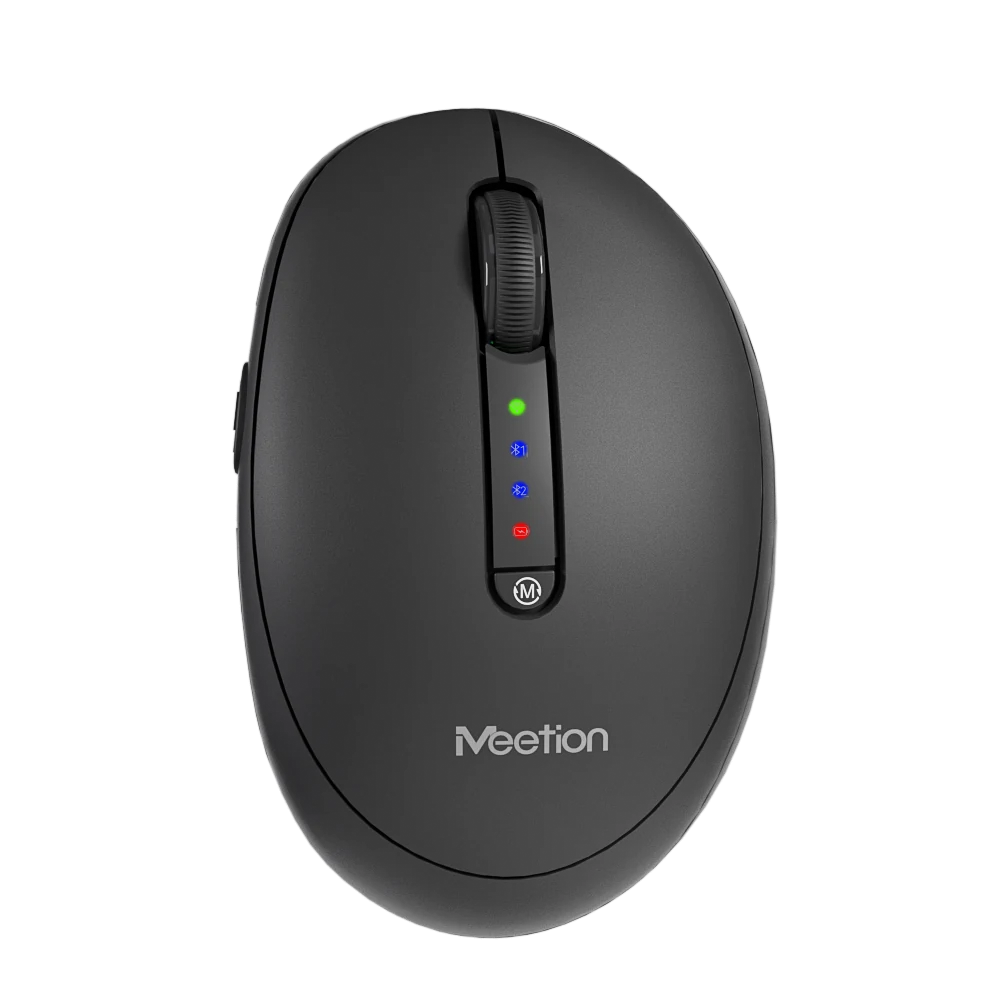
Two computers on one desk. The button on the bottom moves between them in under a second and it remembers after a reboot. No dongle swapping, no re-pairing.
レビューは購入済みのお客さまに限られます。ご注文時のメールアドレスでサインインし、注文ページから投稿してください。
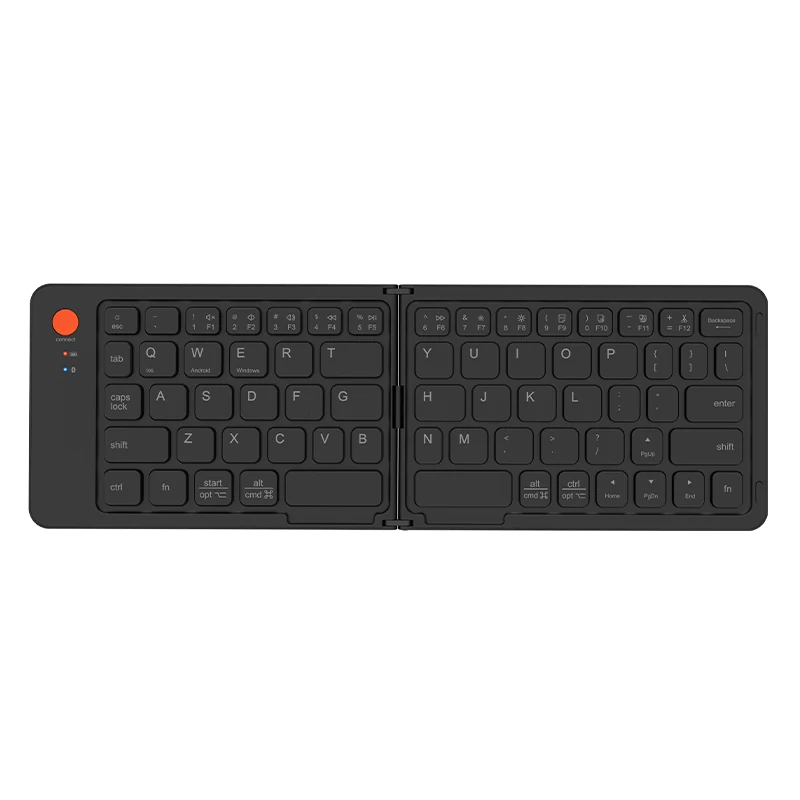
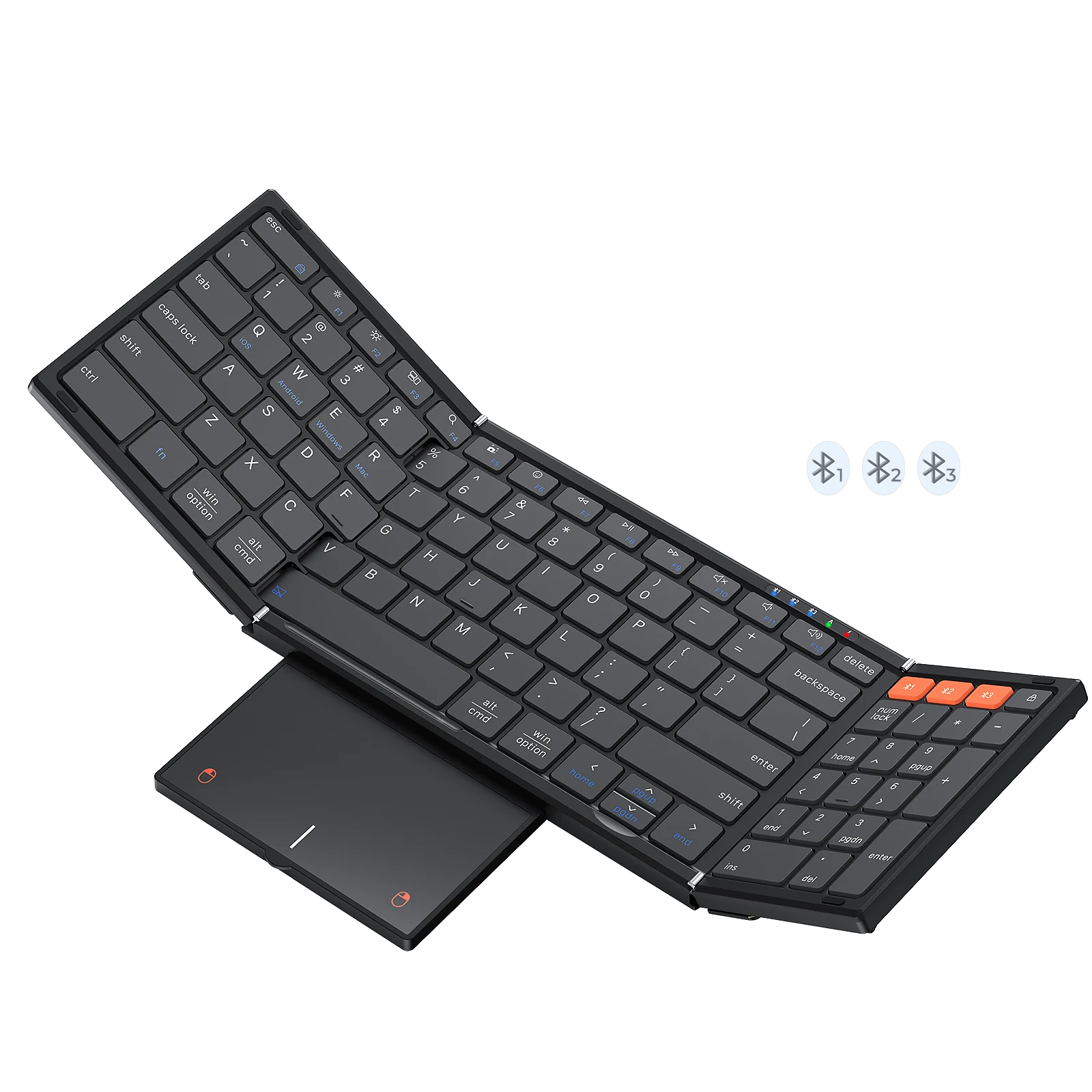
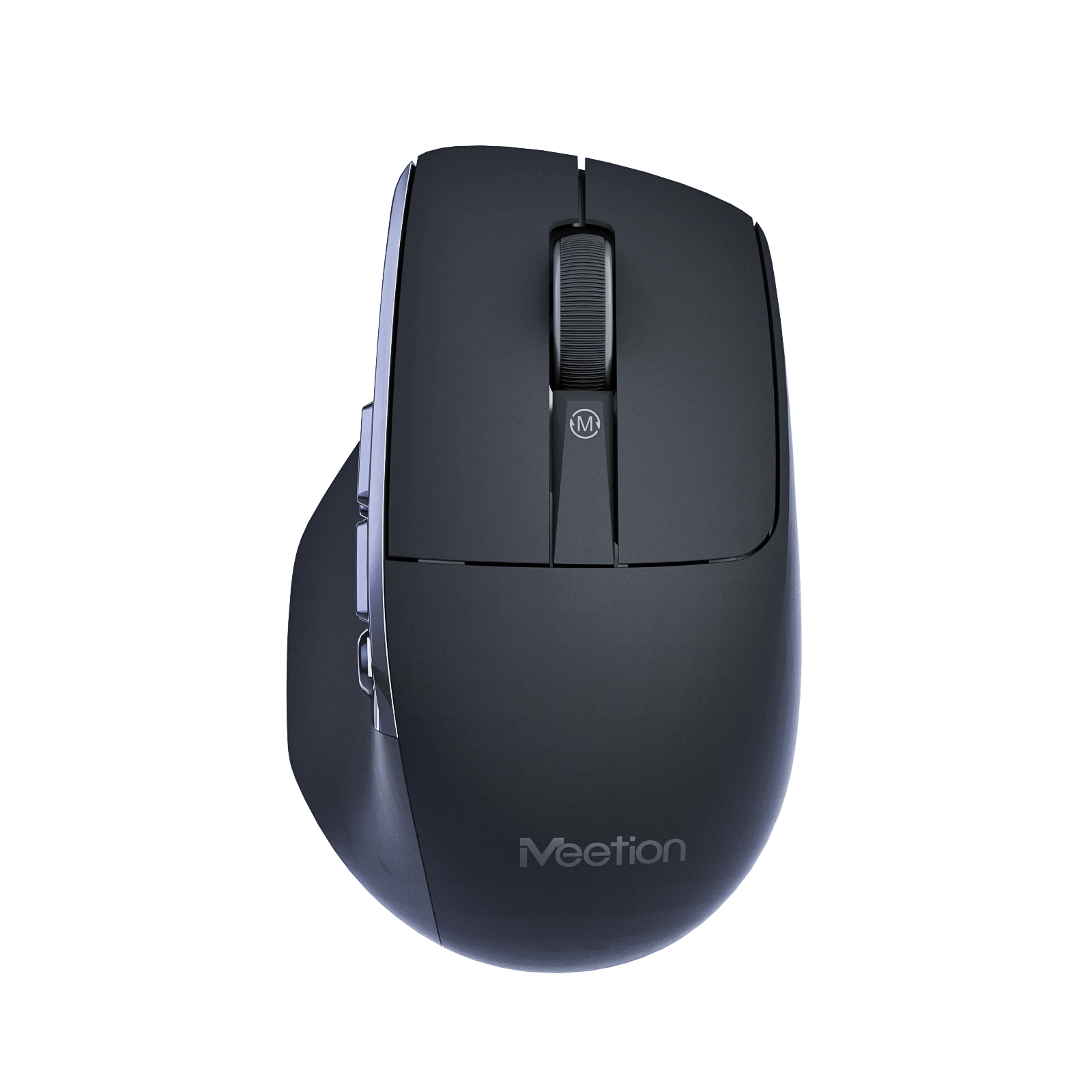
このセットの商品は同じシリーズのもので、まとめて発送されます。
3点 — ¥21,000
It supports 800-1200-1600-2400-3200-6000 DPI.
It connects via 2.4 GHz Wireless / Bluetooth.
It supports Windows/MacOS.
Download the Anywhere1 Wireless Mouse user manual. The page lists the languages and file size.
Anywhere1 ユーザーマニュアル
Anywhere1 ユーザーマニュアル
Anywhere1 ユーザーマニュアル